Ethical request rates: How much scraping traffic is too much?
August 20, 2026
request rates, rate limiting, web scraping
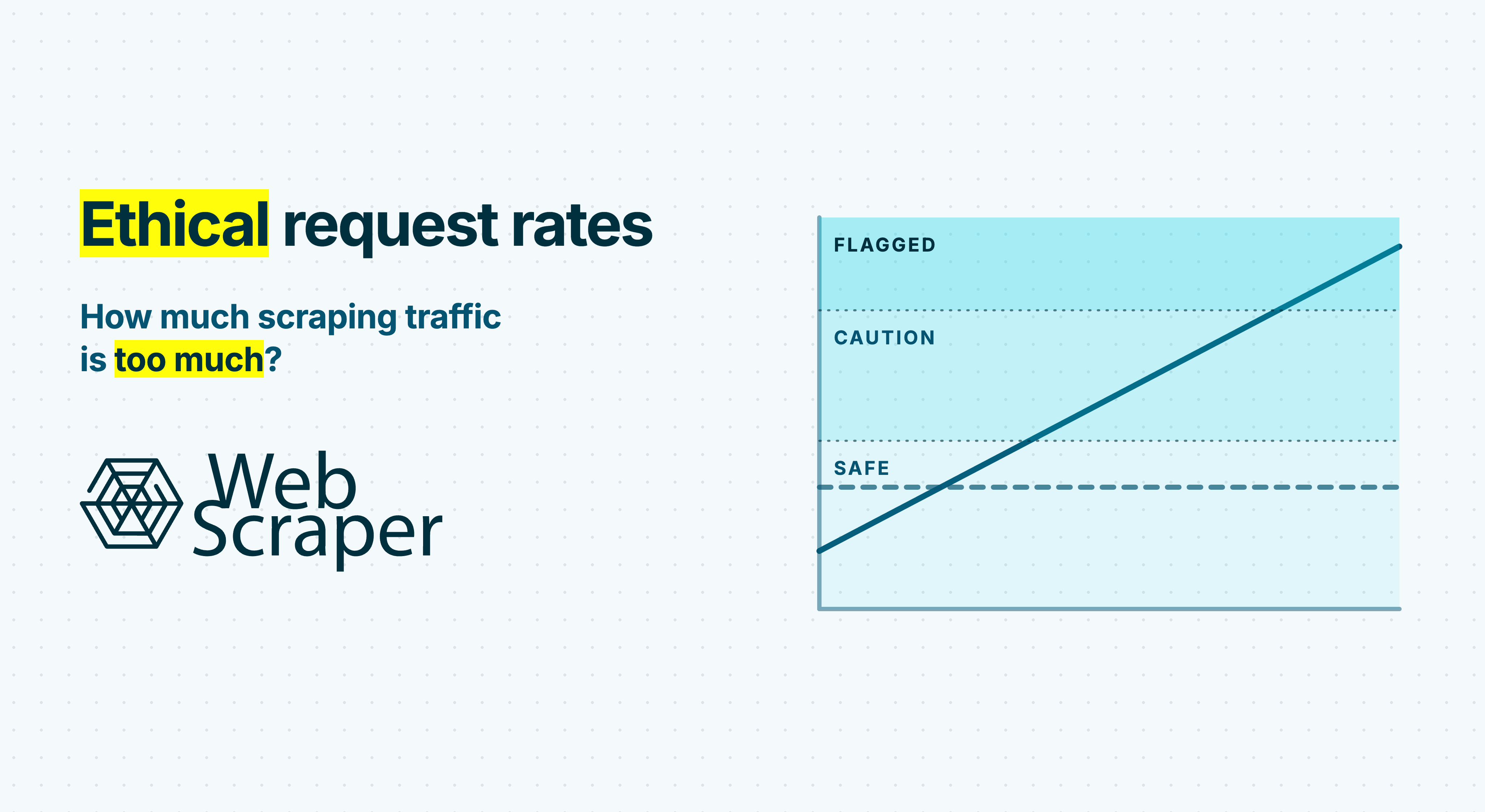
One request per second can be harmless to one website and excessive for another. A public data service may permit ten requests per second, while a small website could struggle with a short burst at a fraction of that rate.
If an ordinary public website provides no limit, a cautious starting point is one concurrent page navigation per hostname with two to five seconds between page starts. Use five to ten seconds or longer for a small, community-run or unknown-capacity site.
These are starting heuristics, not permission. Follow the lowest applicable limit from the website, an agreement, observed server behaviour or the project’s actual requirements.
In short
- Follow published or agreed limits before applying any general recommendation.
- With no published limit, begin with one concurrent page navigation per hostname and a two-to-five-second interval.
- Count traffic across every worker, job, account and proxy accessing that hostname.
- Measure browser subrequests, retries and redirects, not only top-level page loads.
- Slow down after
429,503, timeouts or materially increased latency. - Treat
403, CAPTCHA, explicit blocks and owner requests as access boundaries, not signals to rotate proxies.
An ethical request rate is more than requests per second
Requests per second, or RPS, does not describe the complete load placed on a website.
| Variable | What it controls | Why it matters |
|---|---|---|
| Request rate | How often new requests begin | A high sustained rate can consume server, database and network capacity. |
| Concurrency | How many requests or browser sessions run at once | Parallel workers can create heavy pressure even when each worker has a delay. |
| Burstiness | Whether traffic is evenly paced or arrives in spikes | Sixty requests in one second is not equivalent to one request per second for a minute. |
| Request cost | How much work each request creates | A cached page may be cheap, while search, filtering, rendering or report generation can be expensive. |
| Duration | How long and how often the traffic continues | A modest rate sustained all month can become millions of requests. |
The relevant rate is the entire project’s total traffic to the target. Changing IP addresses does not reduce it.
Conservative starting rates when no limit is published
Published rules always take priority. When no rule exists, use the following table as an initial operating envelope:
| Situation | Starting concurrency per hostname | Interval between page starts | Guidance |
|---|---|---|---|
| Published site or API limit | Follow every documented concurrency rule | Stay below the stated ceiling | Keep headroom and use the operator’s aggregation method. |
| Ordinary public pages with no published limit | 1 | 2 to 5 seconds | Start near five seconds when capacity is uncertain. |
| Small, community, non-profit or unknown-capacity site | 1 | 5 to 10 seconds or longer | Ask before a large or recurring crawl. |
| Search, report, export or other compute-heavy endpoint | 1 | 5 to 10 seconds or longer | Place expensive routes in a slower queue. |
| Full browser workflow with many origin subrequests | 1 | 5 to 10 seconds initially | Measure the requests generated by each navigation. |
| High-volume collection from one hostname | Agreed with the operator | Agreed with the operator | Request an API, feed, bulk export or coordinated window. |
These cautious values are not targets to maximise and do not supersede a stricter rule.
Published policies demonstrate why one limit cannot be copied across the web. SEC EDGAR permits up to ten requests per second across all machines used by one user. NCBI E-utilities permits three per second without an API key and ten with one by default. These automation-friendly services do not define a suitable rate for unrelated websites.
Calculate traffic across every worker
A delay configured inside one worker can be misleading when several workers operate in parallel. For a worker that waits after each response, a useful approximation is:
requests per second ≈ concurrent workers ÷ (average response time + delay)
Suppose four workers each receive a response in 1.5 seconds and wait another 0.5 seconds before starting the next request:
4 ÷ (1.5 + 0.5) = 2 requests per second
The delay is half a second, but the project can still send approximately 120 requests per minute. Apply one shared budget to each hostname, including scheduled jobs and other teams.
Proxy management can improve routing and reliability, but a proxy pool does not multiply the amount of traffic a website can reasonably accept.
A browser navigation is rarely one request
A browser page can request scripts, stylesheets, fonts, images and data through XHR or fetch. Some are cached or third-party resources, but others reach the target’s origin.
If one navigation generates 40 uncached requests to the target, starting one page every five seconds represents:
- 0.2 page navigations per second;
- potentially eight origin requests per second.
The multiplier depends on the website and cache state, so measure it. Top-level page loads are not equivalent to origin requests.
Small rates become large workloads
Continuous traffic accumulates quickly:
| Sustained request rate | Requests per hour | Requests per day | Requests per 30 days |
|---|---|---|---|
| 0.1 RPS | 360 | 8,640 | 259,200 |
| 0.2 RPS | 720 | 17,280 | 518,400 |
| 1 request every 3 seconds | 1,200 | 28,800 | 864,000 |
| 0.5 RPS | 1,800 | 43,200 | 1,296,000 |
| 1 RPS | 3,600 | 86,400 | 2,592,000 |
One request per second becomes more than 2.5 million requests in 30 days. Duration and recurrence matter as much as momentary rate.
Retries belong in the same budget
If a job schedules 100,000 pages and 10% fail, two retries for each failure can raise the total to 120,000 attempts. Count every attempt, cap retries and add randomised exponential backoff so workers do not return in the same burst. Avoid independent retry policies at the browser, proxy, queue and application layers.
Check the collection route before the rate
Rate limiting reduces load. It does not make every collection route appropriate.
Before starting a scraper:
- Check for an API, feed, sitemap, export or bulk archive. Automated interfaces are often more efficient and have clearer limits. See web scraping and APIs.
- Review the site’s terms, crawler policy and any restrictions on automation, accounts or specific paths.
- Follow relevant
allowanddisallowrules inrobots.txtand honour a clearly published crawler delay where it applies. - Treat authentication, paywalls, CAPTCHAs and explicit blocks as reasons for an authorisation review.
- Consider obligations involving personal data, copyrighted material or protected databases.
The Robots Exclusion Protocol states that robots rules are not access authorisation. Crawl-delay is not part of its standard grammar, but a clearly published delay should still be treated as a target-specific instruction.
How to recognise that the rate is too high
Run a low-rate pilot. Record page starts, origin requests, concurrency, latency, retries, expected-page success, 429, 5xx, timeouts and challenge pages.
Increase only in small steps after a sustained clean period. Return to the previous rate if latency or errors deteriorate.
HTTP 429: pause and reduce the rate
429 Too Many Requests means the client sent too many requests within a period. If the response includes Retry-After, pause the hostname for at least that long.
Resume at a materially lower aggregate rate. Without Retry-After, use randomised exponential backoff. Do not send the same traffic through another proxy.
HTTP 503, timeouts and rising latency: back off
503 Service Unavailable can indicate temporary overload or maintenance. Overload may instead appear as slow responses, connection resets or timeouts.
Compare latency with the pilot. A team might halve the rate when p95 latency doubles and pause after several consecutive overload signals. These are fail-safe guardrails, not universal thresholds or proof of causation.
HTTP 200: validate the returned page
An HTTP 200 OK can contain a challenge, login wall or empty template. Validate expected elements and record counts before adding retries. See 200 OK but no data: Diagnosing incorrect page responses.
When slowing down is not enough
Some signals concern access rather than server load:
401 Unauthorized;- repeated
403 Forbiddenresponses; - CAPTCHA or access-denied pages;
- explicit IP blocks;
- an owner request to reduce or stop traffic;
- a login or paywall appearing where the workflow attempts to continue.
Pause and review the authorisation, account, data and collection route. The HTTP specification for 403 describes a refusal and advises against automatically repeating the request with the same credentials. Rotating IP addresses after a refusal is not backoff.
Reduce the crawl before accelerating it
The most responsible request is often one that does not need to be sent.
| Method | How it reduces traffic |
|---|---|
| Control the crawl boundary | Normalise URLs and exclude irrelevant filters, sorting routes, tracking parameters and duplicate variants. |
| Prefer structured discovery | Use an authorised API, feed, sitemap or export when it satisfies the requirement. |
| Collect incrementally | Revisit volatile pages more frequently than stable records instead of repeatedly crawling everything. |
| Use conditional requests | When supported, ETag or Last-Modified validators can return 304 Not Modified for unchanged resources. |
| Bound retries and pagination | Stop invalid URLs, access denials and malformed requests from cycling through a queue. |
| Separate expensive routes | Apply lower concurrency and longer intervals to search, reports and browser-heavy workflows. |
An incremental scraping and change-detection strategy can reduce recurring traffic substantially. Large projects should establish crawl boundaries, checkpoints and per-host budgets before scaling from thousands to millions of pages.
Off-peak scheduling can reduce competition with users when the operator confirms a preferred window. It does not raise a limit or justify bursts, especially when a website serves several time zones or runs overnight processes.
Configure request pacing in Web Scraper
Web Scraper uses two settings with different purposes:
- Request Interval defines the minimum time between requests initiated by the scraper.
- Page Load Delay defines how long the scraper waits after a page renders before it starts executing selectors.
With no published limit, 5,000 ms is a cautious initial Request Interval. Set Page Load Delay only as long as the required content needs to render. The Web Scraper documentation explains both settings.
Request Interval does not necessarily place the same gap between every browser subrequest. Measure origin traffic and reduce the page-start rate when necessary.
In Web Scraper Cloud, coordinate every sitemap and scheduled job reaching the same hostname. Several individually conservative jobs can still create excessive aggregate traffic.
Turn the rate into an operating policy
Before a recurring or high-volume run, record:
- the rules or permission governing each hostname;
- the aggregate rate and concurrency budget across all jobs and workers;
- how requests will be paced to prevent bursts;
- which responses trigger backoff, a lower rate or a full stop;
- how retries and unexpected
200 OKresponses will be controlled; - who can approve a higher rate and what evidence or agreement is required.
A polite rate does not make every collection lawful or contractually permitted. Terms, licences, access controls, database rights and data-protection duties vary by project and jurisdiction. CNIL guidance describes safeguards for web-collected personal data, while EU rules address repeated and systematic extraction. This is operational guidance, not legal advice.
Frequently asked questions
Is one request per second too fast for web scraping?
It can be. It becomes 86,400 requests per day, while each browser navigation can generate several origin requests. Without a published rule, start with one concurrent navigation and a two-to-five-second interval, or slower for a small site.
Does robots.txt set a scraping rate?
The standard protocol does not define Crawl-delay. Respect relevant published delays, but do not assume that robots.txt provides permission or universal rate syntax.
What should a scraper do after HTTP 429?
Pause the hostname, honour Retry-After, reduce the aggregate rate and prevent retry layers from creating another burst. Without a supplied wait time, use randomised exponential backoff.
Can rotating proxies make a high request rate acceptable?
No. Proxies change the network route but do not reduce aggregate load or override rules and access restrictions.
Are Request Interval and Page Load Delay the same?
No. Request Interval limits how closely requests occur. Page Load Delay controls how long extraction waits after a page renders. A longer rendering wait does not replace request-rate control.
Responsible speed is controlled speed
The goal is to collect the required data without creating disproportionate load or ignoring the website’s rules and feedback.
Start slowly, coordinate every worker and job, remove unnecessary requests and treat errors, latency and unexpected content as control signals. If the project cannot finish within that envelope, request an approved limit, use a bulk-data route or redesign the collection plan.