Web Scraping Pricing: Capacity, requests and credits
September 25, 2026
web scraping pricing, Web Scraper Cloud, scraping APIs, scraping capacity
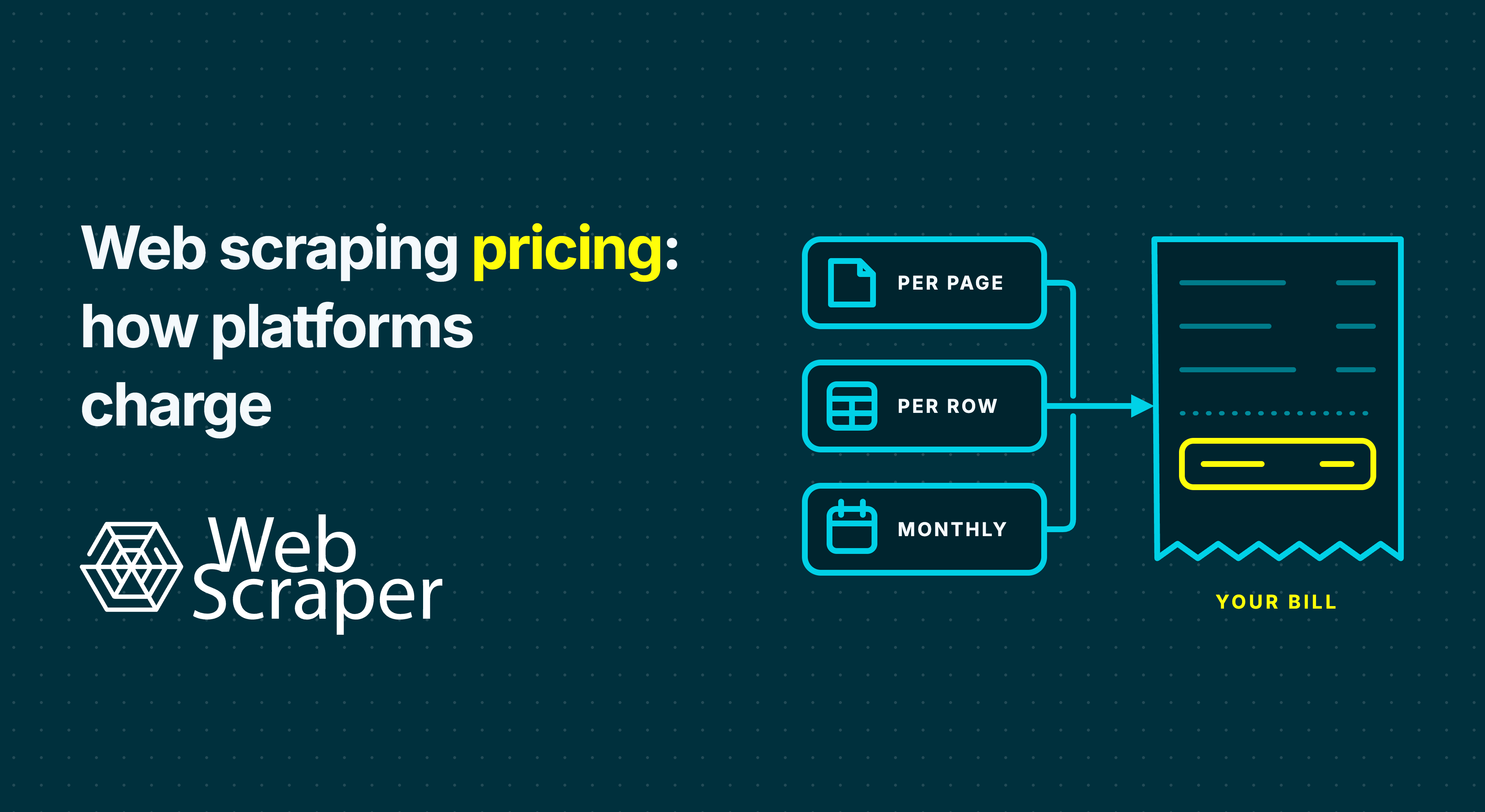
Web scraping platforms sell two quite different things: capacity to run scrapers or a quantity of billable work. Web Scraper Scale charges for concurrent scraper capacity with unlimited URL credits. Many scraping APIs instead deduct requests, credits or delivered records from a monthly allowance. A low price per request says little until you know which configuration that request needs.
This guide separates those models first, then shows how Web Scraper, Decodo, ScrapingBee and other platforms apply them. It also explains why the amount of data you receive and the time needed to collect it matter as much as the published rate.
First ask: are you buying capacity or usage?
These are the main ways a platform can turn scraping into a bill. A monthly subscription can contain more than one meter.
| Model | What you buy | What changes the effective cost |
|---|---|---|
| Concurrent scraper capacity | A fixed number of jobs that can run at once | How many URLs those jobs complete during the paid period; queues, site delays and unused slots |
| Pages or requests | An allowance or price for each page processed or API request billed | Navigation and detail pages, retries, failures and any higher-rate request mode |
| Credits | A balance spent by requests, formats or features | Credits per basic fetch, JavaScript, premium proxy, extraction or browser session |
| Delivered records or events | Output rows or other defined chargeable events | The record definition, supported sources, missing fields and validation |
| Compute or browser time | Memory and runtime, or minutes in a browser session | Slow pages, waits, retries and minimum session durations |
| Proxy bandwidth or managed feed | GB transferred, or an agreed delivered dataset | Page weight and network type, or the acceptance and repair terms |
Concurrency can be the product or just a limit on another product. Web Scraper Scale sells concurrent scraper slots. A request-priced API may also allow a certain number of simultaneous requests, but that limit does not make its individual requests free. Likewise, unlimited URL credits do not promise unlimited throughput.
Suppose 50 catalogue pages contain 40 product cards each. If the cards contain every required field, 50 page loads may produce 2,000 candidate rows. If the scraper must open each product detail page, it loads about 2,050 pages for those rows. The unit bought and the record delivered are different even before failures or optional features enter the calculation.
Web Scraper Scale: paying for scraper capacity
With Web Scraper Scale, the main subscription purchase is the number of concurrent scrapers. The starting configuration has two slots: two scraping jobs can run at the same time, and additional jobs wait when the slots are occupied. URL credits are unlimited on Scale. You are effectively renting the capacity for the billing period, whether those slots are busy throughout it or sit idle. Web Scraper's documentation explains the distinction between URL credits and parallel tasks.
The effective unit cost is therefore an outcome of utilisation: subscription cost ÷ URLs actually processed × 1,000. At $200 for a month, one million completed URLs would work out to $0.20 per 1,000 URL loads. If only 100,000 URLs are completed, it becomes $2 per 1,000. These are arithmetic examples, not promises that either workload will fit the schedule. Adding scraper slots allows more jobs to run at once; it does not guarantee a fixed number of URLs per second on a slow or protected target.
This model can work well for a steady, high-volume dataset, particularly where listing pages yield many records. The team builds and tests a sitemap in the free extension, then Cloud follows its navigation and extraction rules on a schedule. A capacity fee covers that recurring collection workflow, not merely the retrieval of isolated pages. It is less attractive when the workload is small or sporadic and leaves the slots idle. Scale includes a US datacentre proxy; residential traffic is an optional per-GB add-on, so unlimited URL credits do not make every access route free.
Web Scraper also has smaller Cloud plans that do use monthly URL-credit allowances. On those plans, one processed page uses one credit regardless of how many rows it yields. Listing and detail loads both count; automatic retries of Empty and Failed pages do not consume another URL credit. Those plans and Scale should be budgeted differently even though they run the same tested sitemaps.
Direct request pricing: the rate follows the request type
An API can sell a monthly request budget with a published price per 1,000 requests. Decodo's Web Scraping API is an example. Its current $99 monthly plan displays $0.14 per 1,000 standard-proxy requests, $0.60 with JavaScript, $0.85 with a premium proxy and $1.20 with both. The page shows about 707,000 standard requests or 82,000 premium-plus-JavaScript requests if the whole plan is spent on one type. These are alternative uses of one budget, not four allowances added together.
The price can thus rise because the mode of the request changes. In Decodo's published table, premium plus JavaScript is a combined $1.20 rate rather than $0.14 plus separately itemised surcharges. Decodo says it charges for successful responses and handles its own failed-request retries. Ask what “successful” means for your target and whether the returned page contains the required data. The plan also sets a request-rate limit, which affects how quickly the budget can be used; it is not a purchased scraper slot.
Credit pricing: configuration changes consumption
Other APIs sell a balance of credits and assign a cost to each configuration. ScrapingBee's HTML API currently lists one credit for a classic-proxy request without JavaScript, five with JavaScript, ten for premium without JavaScript, 25 for premium with JavaScript and 75 for its stealth route. Its JavaScript option is enabled by default. The 25-credit configuration replaces the one-credit configuration; you should not add one, five, ten and 25 together. An AI query adds five credits on top of the applicable route.
On ScrapingBee's $99 Startup plan, one million credits would fund up to one million one-credit requests, 200,000 five-credit requests or 40,000 25-credit requests if the whole allowance were spent on that mode. A mixed workload consumes basic requests × 1 + JavaScript requests × 5 + premium-and-JavaScript requests × 25 credits. A “million credits” headline is therefore not a million rendered or premium requests.
Credits can also be additive rather than alternative modes. Firecrawl's basic scrape costs one credit per page and JSON extraction adds four, making five for that combination. Its interactive browser sessions use a separate minute-based credit meter. The charging rule must specify whether an action, output format or browser session adds to the base request, replaces its rate or is billed by time. Test the least costly route that actually returns the required fields; a cheap empty page is no bargain.
A billed success can still produce the wrong dataset
Paying only for success shifts some failed-fetch risk to the provider, but the provider's success event is not your data acceptance test. A target can return 200 OK with a consent screen, CAPTCHA or incorrect region; a successful HTTP response can still contain no usable data. A returned 404 can also be useful for tracking a removed product without producing a product record.
The definitions vary. Decodo says unsuccessful attempts are not charged. Zyte API can treat a target website's 404 as a successful, billable API response. Firecrawl charges when it returns a document, including one with a target 403 or 404; a no-document scrape is generally unbilled, with documented exceptions. ScrapingBee's default handling differs from its transparent-status option, which can bill target statuses below 500 and changes retry behaviour. Ask for an itemised trial showing request mode, billed event, returned content and extracted fields.
Compare the published units, then the whole workload
These USD examples were checked on 29 September 2026. Web Scraper's Scale figures divide its $200 monthly price by a published two-scraper capacity estimate. They are full-utilisation estimates, not URL allowances or guaranteed throughput. The request and credit rows assume the stated plan is fully used in that one mode. Each figure keeps its own unit: URL loads, billable requests, pages and delivered records are different outputs.
| Reference offer and mode | Published basis | Cost per 1,000 of the stated unit | Per 1 million of that unit |
|---|---|---|---|
| Web Scraper Scale, Fast | $200/month; two concurrent scrapers; unlimited URL credits; about 4.3m Fast URL loads/month estimated | About $0.047 per 1,000 URLs | About $46.51 per 1m URLs at estimated utilisation |
| Web Scraper Scale, FullJS | Same capacity plan; about 2.2m FullJS URL loads/month estimated | About $0.091 per 1,000 URLs | About $90.91 per 1m URLs at estimated utilisation |
| Decodo Web Scraping API, standard proxy | $99/month plan; about 707,000 requests if spent entirely on this mode | $0.14 per 1,000 billed requests | $140 rate equivalent* |
| Decodo Web Scraping API, standard proxy plus JavaScript | Same plan; about 165,000 requests in this mode | $0.60 per 1,000 billed requests | $600 rate equivalent* |
| Decodo Web Scraping API, premium proxy plus JavaScript | Same plan; about 82,000 requests in this mode | $1.20 per 1,000 billed requests | $1,200 rate equivalent* |
| ScrapingBee Startup, classic proxy without JavaScript | $99/month; 1m credits; 1 credit per billable HTML API request | $0.099 per 1,000 requests | $99 per 1m requests |
| ScrapingBee Startup, classic proxy with JavaScript | Same allowance; 5 credits/request, or 200,000 requests at full use | $0.495 per 1,000 requests | $495 per 1m requests* |
| ScrapingBee Startup, premium proxy with JavaScript | Same allowance; 25 credits/request, or 40,000 requests at full use | $2.475 per 1,000 requests | $2,475 per 1m requests* |
| Firecrawl Standard, basic scrape | $83/month equivalent, billed annually; 100,000 credits/month; 1 credit/page | $0.83 per 1,000 pages | $830 per 1m pages* |
| Firecrawl Standard, JSON extraction | Same allowance; 5 credits/page, or 20,000 pages at full use | $4.15 per 1,000 pages | $4,150 per 1m JSON pages* |
| Bright Data Web Scraper API, pay as you go | $1.50 per 1,000 successfully delivered records on supported collections | $1.50 per 1,000 records | $1,500 per 1m covered records |
* Rate equivalent beyond the named plan's included monthly allowance, not a purchase quote for that volume. A million Decodo premium-plus-JavaScript requests do not fit within its illustrated $99 plan, just as a million rendered ScrapingBee requests do not fit within Startup's credits. Obtain the applicable higher-volume or overage terms. Taxes and extras are excluded. The Bright Data row applies only to its named Web Scraper API product.
For Web Scraper Fast, $200 ÷ 4,300,000 × 1,000 ≈ $0.047 per 1,000 estimated URL loads; FullJS uses $200 ÷ 2,200,000 × 1,000 ≈ $0.091. ScrapingBee's five-credit mode gives $99 ÷ (1,000,000 ÷ 5) × 1,000 = $0.495 per 1,000 requests. Decodo publishes its rates directly per 1,000 requests by mode. All subscription-based effective rates rise if the paid allowance or capacity goes unused.
At the illustrated full capacity, Web Scraper has a lower effective URL-load rate than the request and page examples shown. It also runs a tested sitemap through Cloud rather than leaving the buyer to assemble isolated pages into a dataset. For only 100,000 URLs in a month, however, the same $200 capacity fee is $2 per 1,000 URLs, before a residential add-on. A request allowance can be better for that small, irregular workload. These rates are not a like-for-like benchmark of target access, speed or accepted records.
Other meters: records, runtime and proxy traffic
Bright Data's Web Scraper API illustrates record pricing for supported collections: it lists a price per successfully delivered record. That is a different product from its Browser API and raw proxy network. The buyer should confirm that the target, fields and record definition match the supported API. A delivered row is closer to the business output than an HTTP response, but duplicates, completeness and freshness still need checking.
Apify illustrates compute and event pricing. One compute unit represents one GB of allocated memory for one hour. Store Actors may instead charge for developer-defined events, and the applicable Actor can add platform usage, proxies, transfer or storage. You cannot infer a page price from a compute-unit rate without measuring memory, runtime and output. Firecrawl's interactive browser sessions use credits per minute; a session that waits on a slow site can therefore cost more than a simple page fetch.
Raw residential proxy products may charge per GB transferred. Rendering can load images, scripts and background requests, and retries can use bandwidth even when a platform does not charge a second page credit. A managed feed is different again: its quote should state the targets, schema, refresh schedule, acceptance test and repair obligation. The unit on the invoice is useful only alongside the work it includes.
Run one workload through every model
Return to the illustrative catalogue: 50 listing pages contain 2,000 product cards. A listing-only route uses 50 processed pages if all required fields are there. A detail route uses about 2,050 pages. If 2% of the 2,000 candidate rows fail your checks, that run delivers 1,960 accepted rows. These are assumptions for the example, not typical yield or a vendor performance claim. If the job runs daily, count each refresh and decide whether a new price observation is itself a record.
For each vendor, test the actual listing and detail templates, pages requiring JavaScript, known empty pages and the intended proxy region. Record page loads, billable successes, credits consumed, elapsed time, proxy GB, candidate rows and accepted rows. Map those observations to the bill:
| Model | Workload calculation |
|---|---|
| Concurrent capacity | Period subscription ÷ URLs actually completed, then check whether the slots finish every required refresh on time |
| Direct request rates | Billable requests in each mode × that mode's rate, subject to the plan's included spend and overage terms |
| Credits | Sum of requests × credits required by each configuration; compare the total with the period's credit balance |
| Record delivery | Delivered records × the applicable record rate, after confirming the supported schema and acceptance rules |
Then compare the complete period charge on a shared outcome:
Vendor charge per 1,000 accepted rows = complete charge for the period ÷ accepted rows in that period × 1,000
Include subscriptions, overages and add-ons, and use the same period for every offer. This is a measured workload comparison, not the vendor's advertised per-record price. A cheap but late feed can still fail the business requirement.
Before committing, get five points in writing:
- Output: Define one record, required fields, deduplication, freshness, coverage and what counts as an accepted feed.
- Route: Count listing, pagination and detail loads; specify which templates need JavaScript, interaction or premium routing.
- Failures: Ask which HTTP statuses, challenge pages, empty outputs, automatic retries and manual reruns are charged.
- Limits and extras: Confirm credits, concurrent jobs, rate limits, browser minutes, proxy GB, overage or top-up prices, unused-credit rollover and the total annual commitment.
- Ownership: Establish who maintains the extractor, validates rows, repairs a changed site and remedies a late or incomplete delivery.
For setup, labour and costs beyond the platform invoice, use the web scraping project cost guide.
Choosing between the models
For recurring structured datasets from accessible public e-commerce sites, marketplaces, directories or job boards, build and test a sitemap in the free Web Scraper browser extension, then run it in Cloud. The page path and extracted fields are visible before you estimate volume. Cloud scheduling, job inspection and data quality controls help distinguish a completed run from a dataset meeting record-count and field-completion thresholds.
An allowance-based Web Scraper plan may fit a smaller, known monthly page count. Scale suits sustained work that can use concurrent scraper capacity; the table's low estimated rates require that utilisation. A Cloud pilot supplies the actual page count, duration and accepted-row yield. The Fast driver reads returned HTML; interaction-heavy sitemaps need FullJS. The Cloud API launches an existing sitemap rather than accepting an arbitrary URL and returning a ready-made dataset.
An API priced per request or credit may fit irregular, on-demand URL retrieval, particularly when the buyer already owns navigation, extraction and validation code. A supported record API or managed feed may fit a fixed target and schema where the provider owns more of the output. Check which features raise the rate and whether the service's “success” matches the accepted dataset. Web Scraper is not the default for social platforms or large behind-login collection. Technical access is separate from permission; check relevant terms, privacy, copyright and applicable law.
Test the catalogue's real page types with a Web Scraper sitemap and Cloud trial. Use the processed pages, elapsed time and accepted rows to size capacity and compare every other quote against the same feed.