Sitemap sync
Connect Cloud to the extension
- Open Web Scraper in browser Developer Tools.
- Select
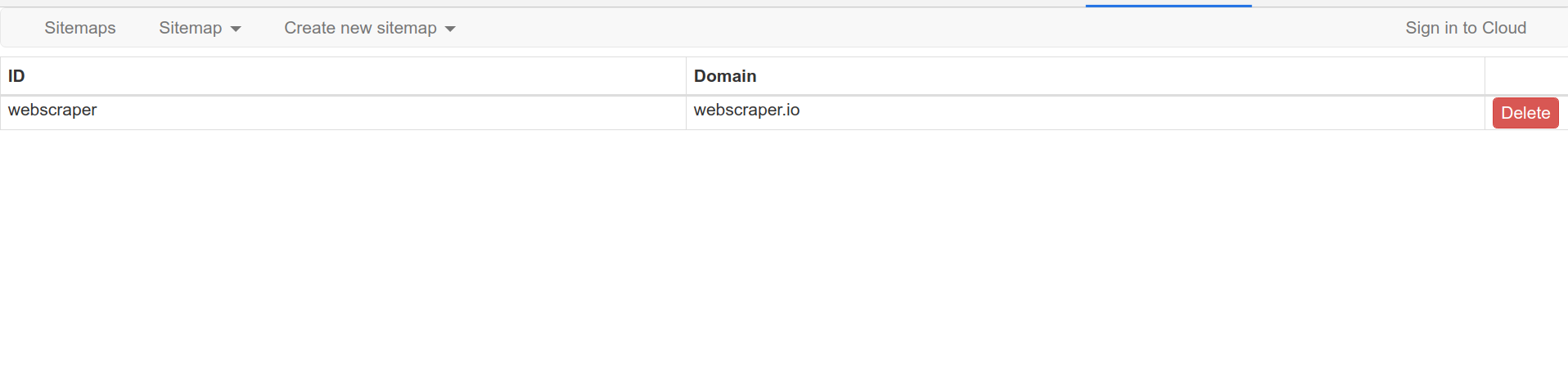
Sign in to Cloudin the top-right corner. - Complete authentication and select
Connect cloud with extension. - Refresh the sitemap list in the extension.
A single Cloud account can be connected to several extension installations.
Synchronization states
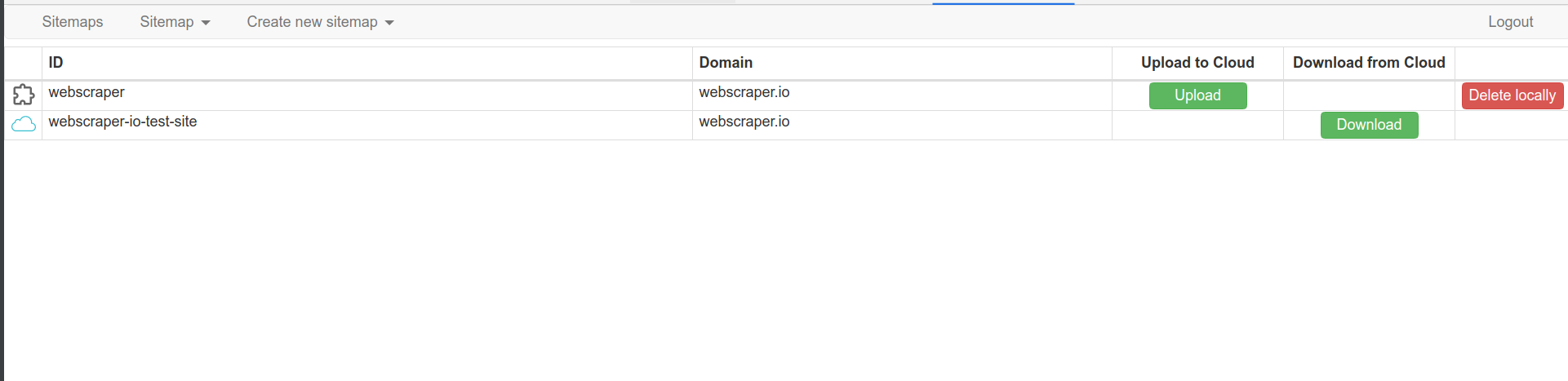
| State | Meaning | |
|---|---|---|
 |
Latest version cannot be determined | The sitemap name exists in both places, but their editing histories do not identify which version is newer. |
|
Latest sitemap is in Cloud | The most recent recorded change was made in Cloud. |
|
Latest sitemap is in the extension | The most recent recorded change was made in the extension. |
 |
Sitemaps are synchronized | Cloud and the extension contain the same sitemap version. |
 |
Sitemap is only in Cloud | The sitemap can be downloaded into the extension and downloads automatically when opened. |
 |
Sitemap is only in the extension | The sitemap can be uploaded to Cloud. |
Disconnect the extension
Select Logout in the extension. Cloud-only sitemaps that have not been
downloaded are removed from the local sitemap list after disconnection.
Sync limit
Each user can perform up to 50 sitemap sync actions in 15 minutes.